Servers, finally simplified.
A beginner course on running the servers businesses depend on: hardware, Linux and maintenance, practiced on your own laptop.
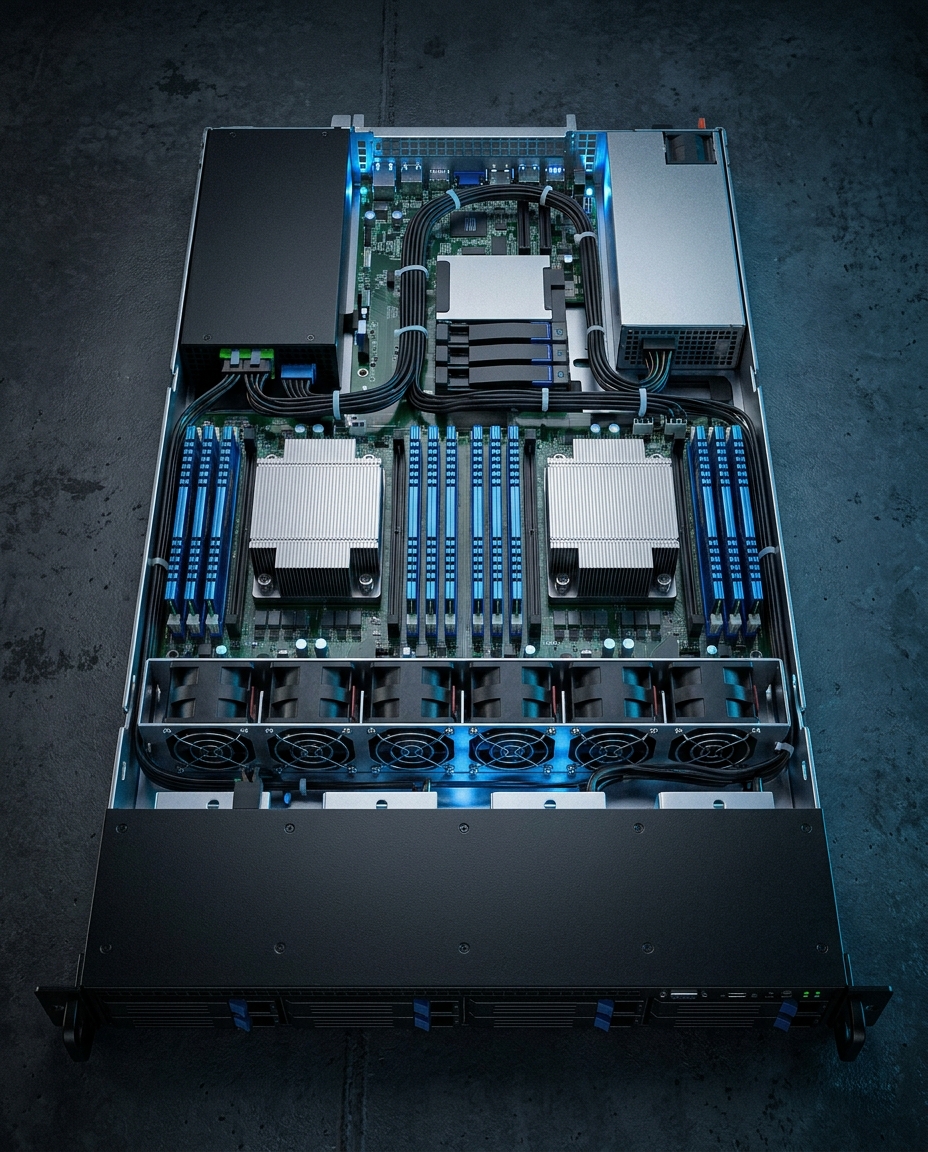
12 modules, from the box to the business.
Each module ends with a hands-on lab, so every skill gets practiced, not just watched.
Real output from the lab, not a mock-up.
Module 2 has you break a RAID array and delete a folder on purpose, then recover both. This is what the terminal showed when we tested it.
[U_] (degraded).$ sudo mdadm /dev/md0 --fail /dev/sdc; cat /proc/mdstat; sudo mdadm --detail /dev/md0 | grep -E "State|Devices"Personalities : [raid1] md0 : active raid1 sdc[1](F) sdb[0] 2094080 blocks super 1.2 [2/1] [U_] bitmap: 0/1 pages [0KB], 65536KB chunkunused devices: <none> Raid Devices : 2 Total Devices : 2 State : clean, degraded Active Devices : 1 Working Devices : 1 Failed Devices : 1 Spare Devices : 0
[UU] and the data is intact.$ cat /proc/mdstat; sudo mdadm --detail /dev/md0 | grep -E "State|Devices"Personalities : [raid1] md0 : active raid1 sdc[2] sdb[0] 2094080 blocks super 1.2 [2/2] [UU] bitmap: 0/1 pages [0KB], 65536KB chunkunused devices: <none> Raid Devices : 2 Total Devices : 2 State : clean Active Devices : 2 Working Devices : 2 Failed Devices : 0 Spare Devices : 0
$ rm -rf /mnt/raid1/projects; ls -la /mnt/raid1total 24drwx------ 2 root root 16384 Oct 9 18:37 lost+found$ restic restore latest:/mnt/raid1/projects --target ~/restore-test; ls -l ~/restore-testrestoring snapshot 4ace6808 of [/mnt/raid1/projects] at 2026-10-09 18:44:29.227337168 +0000 UTC by student@lab-a to /home/student/restore-testSummary: Restored 3 files/dirs (5.000 MiB) in 0:00total 5128-rw-rw-r-- 1 student student 17 Oct 9 18:39 customers.txt-rw-rw-r-- 1 student student 5242880 Oct 9 18:39 photo.bin-rw-rw-r-- 1 student student 23 Oct 9 18:39 report.txt
Captured from the course's own lab test: Ubuntu Server 26.04 in VirtualBox, October 2026. Every lab in the course is run this way before it is published.
Built for people who learn by doing.

Labs on free virtual machines
Practice everything on your own laptop with VirtualBox and Ubuntu Server. No equipment to buy.
Short video lessons
5 to 12 minutes each, with captions. Easy to fit around work.
Templates you’ll keep using
Server spec sheet, UPS worksheet, hardening and maintenance checklists, and a runbook.
A capstone you can show
Spec, install, secure, back up and monitor a small-business server, then document it like a professional.
Certificate of completion
Issued by My Server & Me when you finish the capstone.
For complete beginners, IT support staff moving into infrastructure, business owners who want to understand their servers, and students, wherever you are.
No prior experience needed. Module 0 starts with what a server actually is.
Start free. Go further when you’re ready.
Self-paced course
Pricing announced to the waitlist first
- All 12 modules, plus Windows Server and Ubuntu electives
- Every lab, quiz and template
- Capstone project and certificate of completion
Free lessons
A new short lesson every Monday, Wednesday and Friday on Instagram.
Follow on InstagramTeam training
Private sessions for your IT staff, tailored to your own setup.
Questions before you join.
Do I need my own server or special equipment?
No. Every lab runs on free virtual machines on a normal laptop. A low-cost cloud server is suggested for a few optional labs.
Is it too advanced for a complete beginner?
It starts from zero. Module 0 explains what a server is and walks you through setting up your practice lab step by step.
Is the certificate accredited?
No. It’s a certificate of completion from My Server & Me, showing you finished the course and its capstone. It isn’t an industry certification.
Who narrates the lessons?
Lessons use an AI-generated narrator voice so every video stays clear and consistent.
When does it launch?
The waitlist hears first. Join with your email to get the date and early pricing.